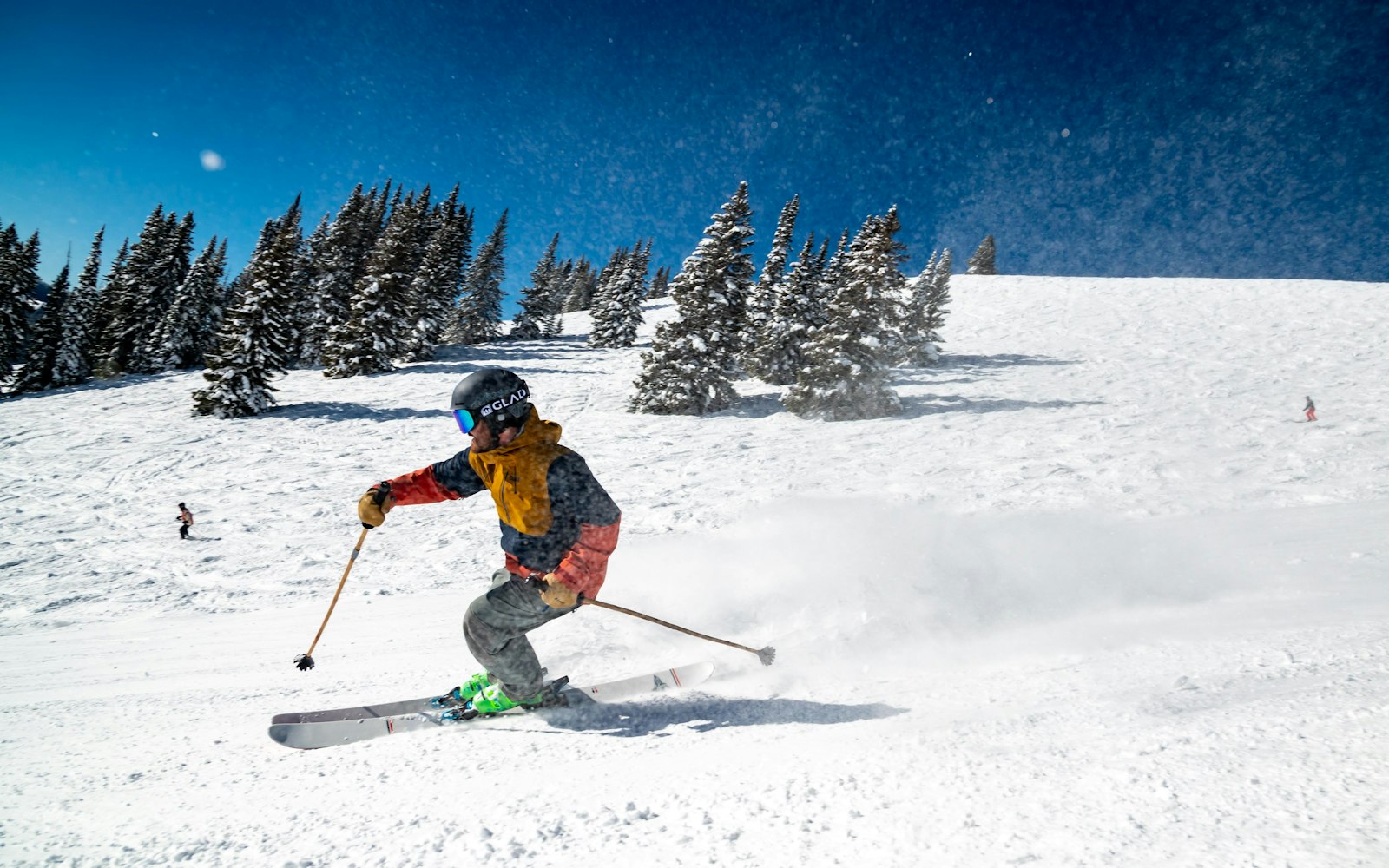

Off-piste or last run of the day — a crash that gets noticed.
Skiing mode runs high fall sensitivity for a hard crash, watches for the ominous stillness that follows an avalanche, and — if you're caught — turns the phone into a loud locator siren to help a rescue party find you.
- HighHard-fall sensitivity
- 15sSpeed-ready GPS
- StillnessAvalanche watch
A hard crash at speed, or the unnatural stillness that follows an avalanche, are exactly what you can't call in yourself. Skiing mode watches for both, and keeps the resort and its pistes on the home screen between runs.
Hard-fall detection, an avalanche locator siren and resort map.
- Hard-fall detection at speed
- Avalanche stillness watch — prolonged no-movement alert
- Avalanche locator siren — a loud, repeating alarm + last location so a rescue party can pin you down
- Resort + piste database
- One-tap SOS with location to your group
How Skiing works, step by step.
- 1
Start Skiing on the home screen
Tap Skiing in Vygard Sports. Fall sensitivity goes high and GPS tightens to keep up with speed.
- 2
Ski — the engine watches
It watches for a hard crash and for a prolonged, unnatural stillness after one — the avalanche signature.
- 3
Caught in a slide — avalanche mode
On a hard stop followed by stillness, Vygard fires an SOS with your last location and turns the phone into a loud, repeating locator siren so a rescue party can home in on you once they're close and probing.
- 4
A crash or stillness raises the alarm
If you can't cancel the countdown, your group — and a UK ARC on the monitored tier — are alerted with your location.
- 5
Between runs
The resort and piste map keep you oriented; your session history builds across the trip.
The Skiing pack, spec by spec.
The same safety engine as every mode in Vygard Sports, tuned for skiing. Indicative values — refined in real-world use.
- Detects
- Hard-fall + avalanche stillness
- Fall sensitivity
- Highhigh, speed-aware
- Avalanche locator
- Loud repeating siren + last location on a detected burial or manual trigger. A rescue aid — it does not replace a 457 kHz avalanche transceiver.
- Silent check-in
- Every 30 min
- Location cadence
- Every 15 seconds
- What triggers an alert
- Hard crash, prolonged stillness, manual SOS, or a missed check-in
- Who's notified & how
- Your group / trusted contact by push, SMS & call — plus a UK ARC on the monitored tier — with location
- Works off-grid
- Alerts triggered with no signal are saved with your last location and sent the instant coverage returns — over satellite on supported phones.
- Devices
- iPhone · Apple Watch (wrist-only SOS) · Android + Wear OS. No dedicated hardware to buy.
- Price
- $8.99/mo — one subscription covers every mode. Start free, no card.
Avalanche locator siren
Buried in a slide, Vygard turns the phone into a loud, repeating siren and holds your last location — helping a rescue party pin you down once they're in the area. A companion to, not a replacement for, a proper avalanche transceiver.
Stillness watch
A prolonged loss of movement after a fall triggers the alarm — built with avalanche in mind.
Speed-ready GPS
Tighter location sampling keeps up with a fast descent.
Create your account, then download Vygard Sports.
Start your free account online in a couple of minutes — no card needed. Then install Vygard Sports and sign in; Skiing is one of the modes waiting for you. Scan to download, or tap your store.